Usage
First, make sure you have the plugin properly installed.
In QGIS, open a new empty project
Launch the plugin from the plugins menu:
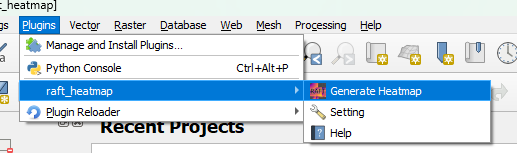
The plugin interface will open, docked to the right hand side of the QGIS window:
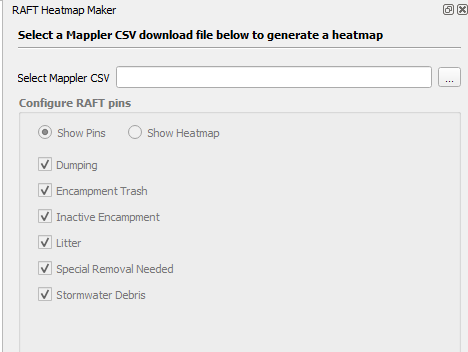
Select a csv that you have exported from Mappler:
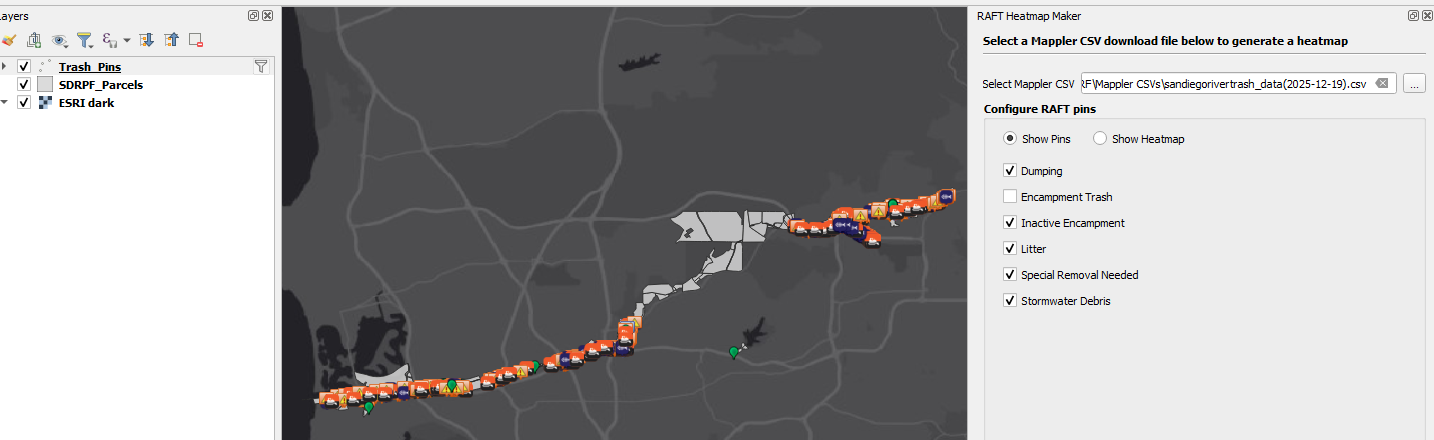
You can now filter the pins by category. This updates the Trash Pins layer’s Provider Feature Filter.
Select the
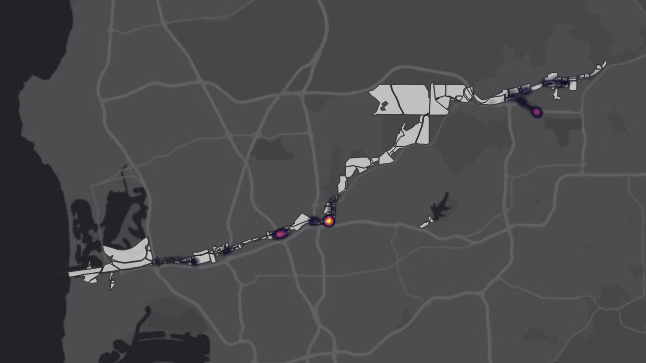
Show Heatmapradio button to view the pins as a heatmap (take a look at the Trash Pins layer symbology settings to see how this works!):